

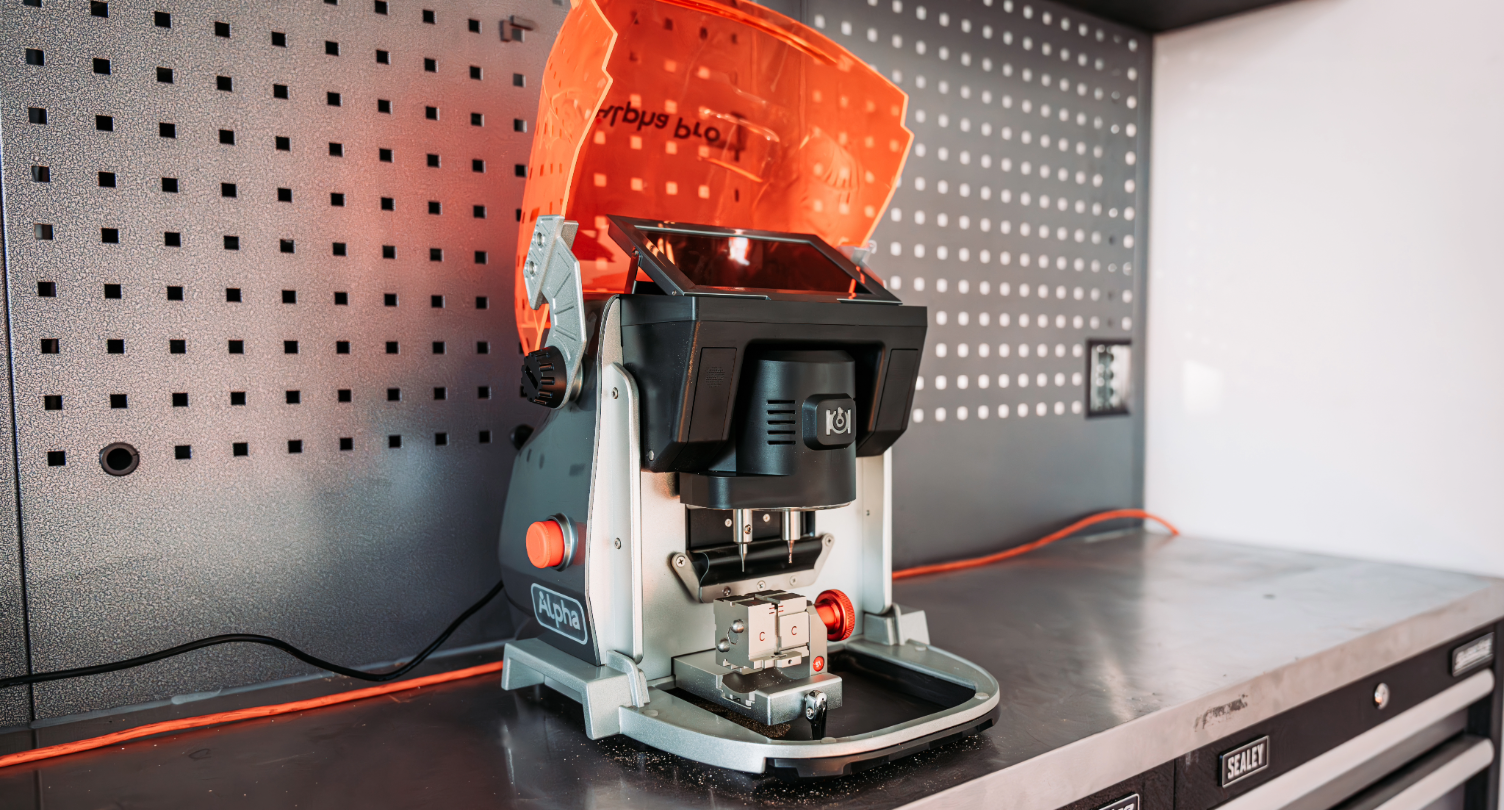
Reasons to love the KUKAI Alpha Key Cutting Machine.
The Kukai Alpha Pro has quickly become a must-have for locksmiths, offering fundamental features for efficient workshops. Excelling in precision key cutting and decoding for a wide range of keys, including automotive, residential, dimple, and tubular keys, along with laser cutting capabilities.
Users find it easy to use, thanks to its 7" touchscreen and intuitive search function for quick access to key profiles. Additionally, its comprehensive built-in database features thousands of key profiles and millions of key code data.
Other features include:
- High-precision cutting: Accurate key duplication.
- Built-in key database: Lots of key profiles stored.
- USB/Wi-Fi connectivity: For updates and data transfer.
- Portable design: Easy to move and take on the road.
- Code-based cutting: You can cut from the key code as well as from existing keys.
Understanding the KUKAI Alpha Pro - A step-by-step tutorial of Key cutting and decoding
In this short step-by-step walkthrough, we will show you how to decode and cut an HU83 blade on the Kukai Alpha Pro key cutting machine.
- Turn on the key cutting machine and go to the home screen.
- Select Automobile.
- Choose the vehicle manufacturer (for example, Peugeot).
- Select the vehicle model (for example, 208)
- Confirm the key profile shown (e.g. HU83)
- Check which clamp to use (e.g. S1 clamp, side B)
- Open the guard and place the original key in the clamp as shown on the screen.
- Align the tip of the key with the correct guideline (see screen and clamp for markings)
- Tighten the clamp securely.
- Press Decode.
- Make sure the drawer is clean (no metal filings), then press OK.
- Wait while the machine scans and decodes the key.
- Remove the original key, then insert a blank HU83 blade into the same position.
- Press Cut and follow the cutter settings shown (use the recommended cutter).
- After cutting the first side, flip the key to cut the second side. Clean it off when finished.
After following the simple steps outlined above, you should have successfully decoded and cut a new blade for an HQ 83 profile using Kukai's intuitive automatic key-cutting machine. For more details and to see the process in action, please check out the video below: